Trusted Key – Key Booking Web Application
Key Booking Web Application

Role
UI/UX Designer
Platform
Web App
Industry
Automotive
Timeline
January 2026
Project Overview
American Trusted Key is a web application that simplifies the process of booking Smart and Transponder key services for vehicles. It guides users through identifying their key type, selecting a booking option, and scheduling an appointment through a clear and straightforward experience.
The Problem
Booking vehicle key services can be confusing, especially when users are unsure of their key type or the required documentation. Existing processes often lack clear guidance, leading to unnecessary delays and booking errors.
Project Goal
The objectives of Trusted Key were to:
Guide users through the booking process for Smart and Transponder keys
Help users identify their key type quickly and accurately
Offer two booking options: Skip the Line or Standard Booking
Include document submission for vehicles 2024+ without complicating the main flow
Reduce errors, confusion, and booking delays
Design Process
A structured four-stage process transformed user needs into a streamlined booking experience.
Research
01
Reviewed competitors and identified common usability challenges.
Wireframes
03
Explored layouts and information hierarchy before visual design.
Research & Insights
Through UX research and process analysis, I identified the need for a guided booking experience that reduces uncertainty at every step. Clear navigation, contextual guidance, and simplified decision-making became key priorities throughout the design.
Deliverables

Users can choose between Standard Booking for regular appointments or Skip the Line for faster, priority service when time matters.


Users provide their vehicle details and select a convenient appointment date and available time window.
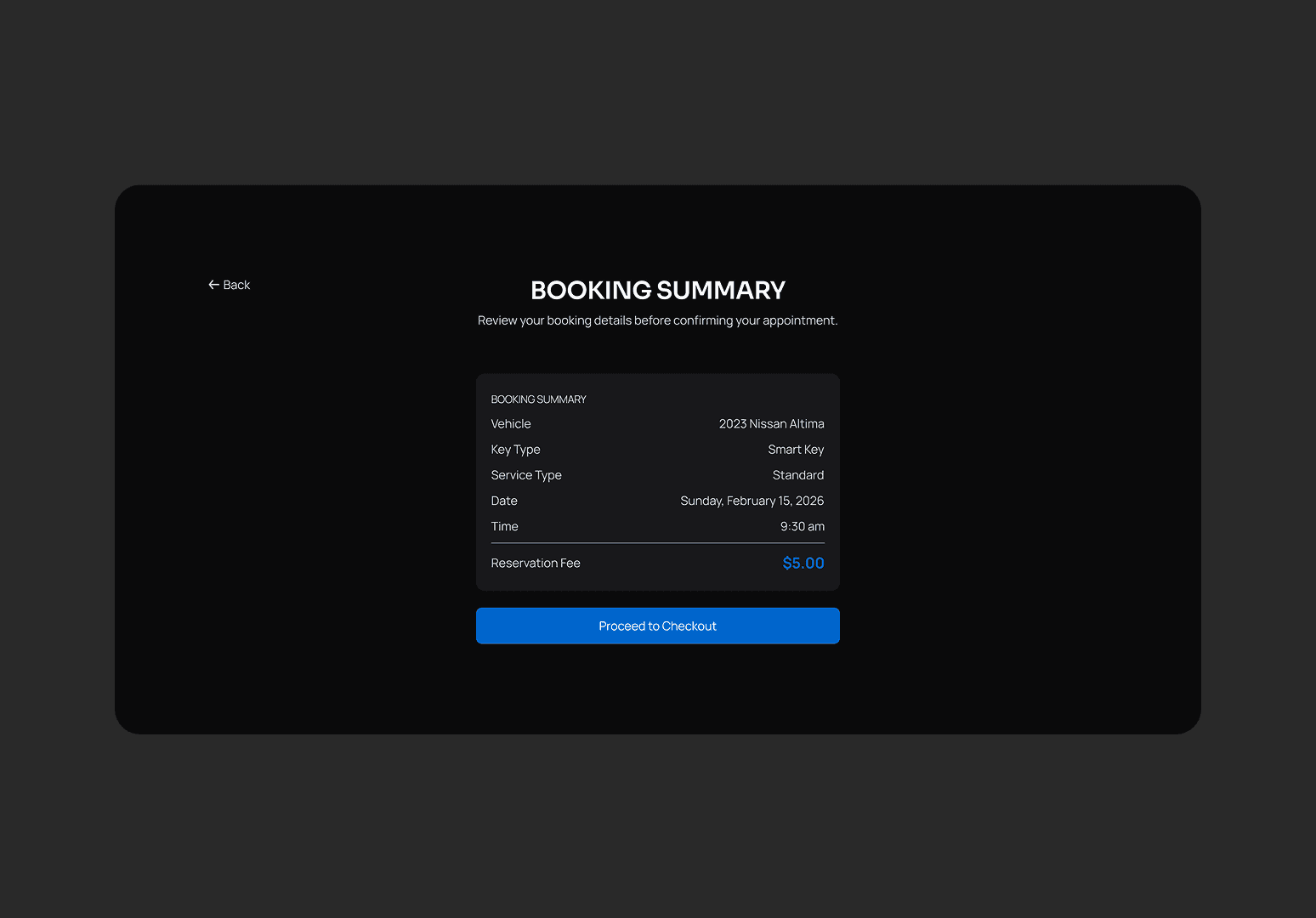
Users review their service, vehicle, appointment, and booking details before confirming their appointment.


Users securely complete their payment and receive confirmation once their booking is successfully processed.
